Pixel Puppet
A downloadable tool
Pixel Puppet is an animation focused Aseprite script that allows users to place pivot points, connect them to layers or to each other in a chain, and apply transformations(scaling, shearing, rotation, and translation/movement) to the selected layer and frame's current cel.
General Usage
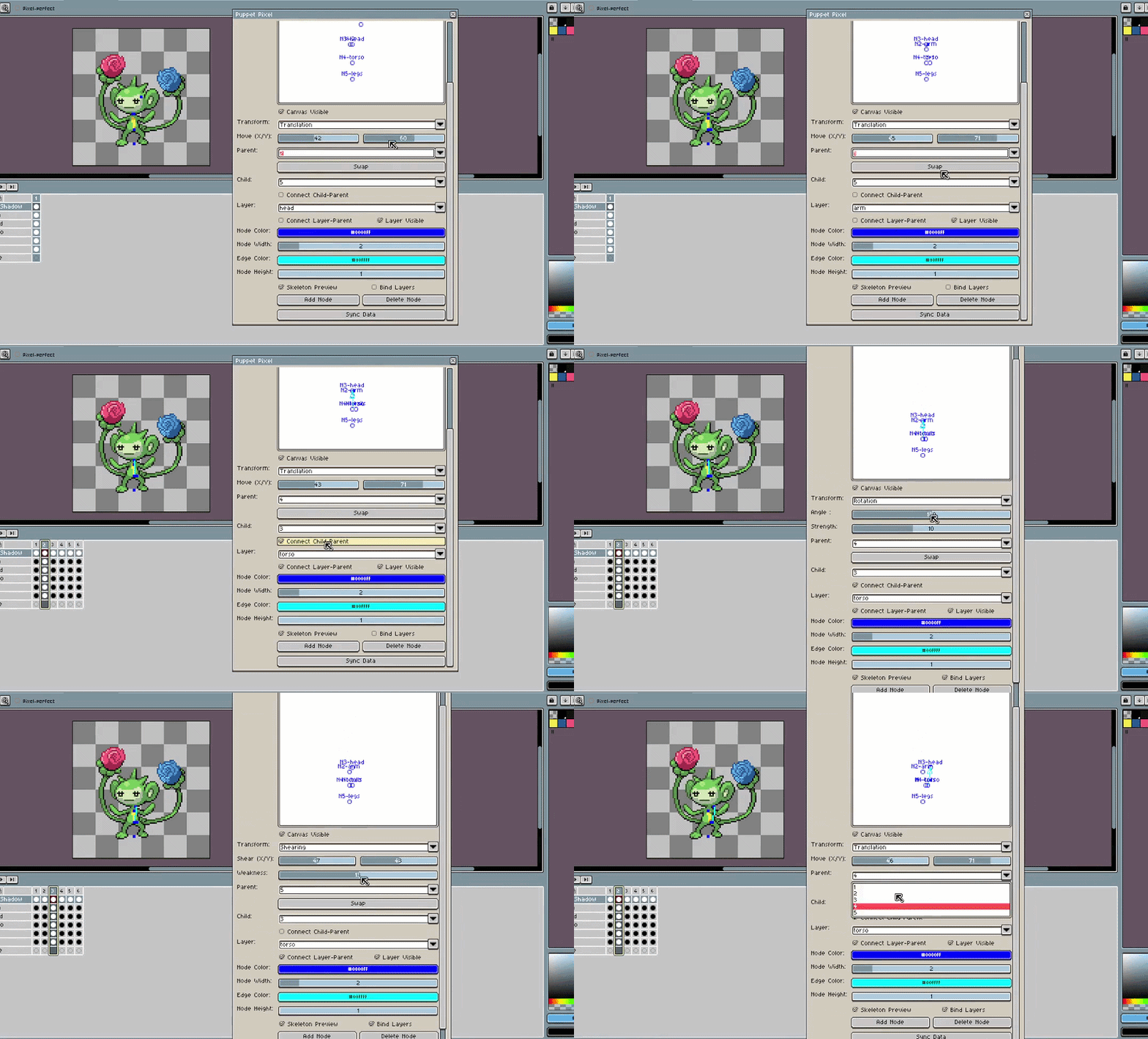
Draw or import a static sprite, chop the sprite into pieces and put them on different layers, add as many nodes or pivot points as there are layers, position them, then connect the layers and pivots, manipulate the two to make an animation.
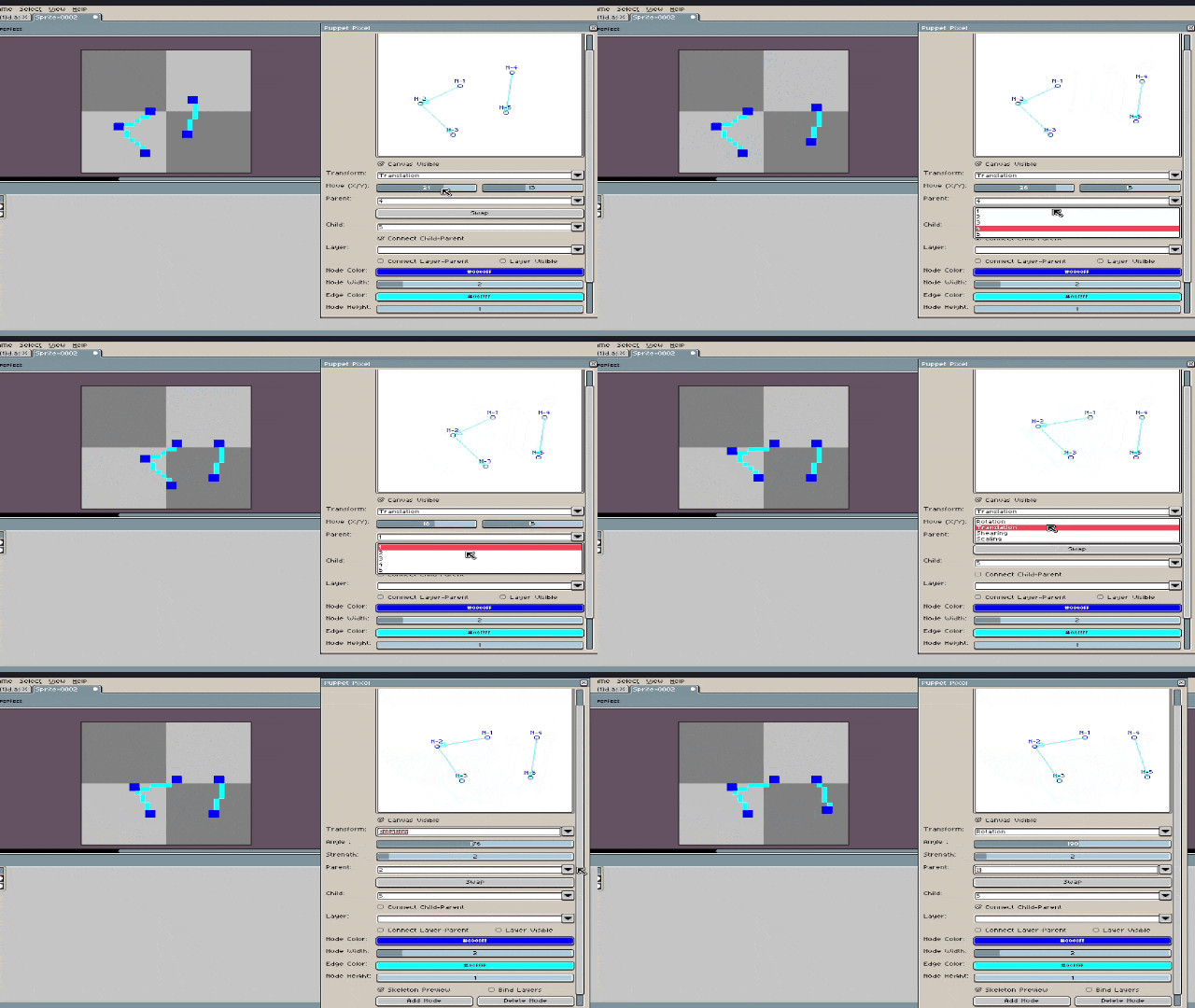
Guide and or Demonstration: Version 1
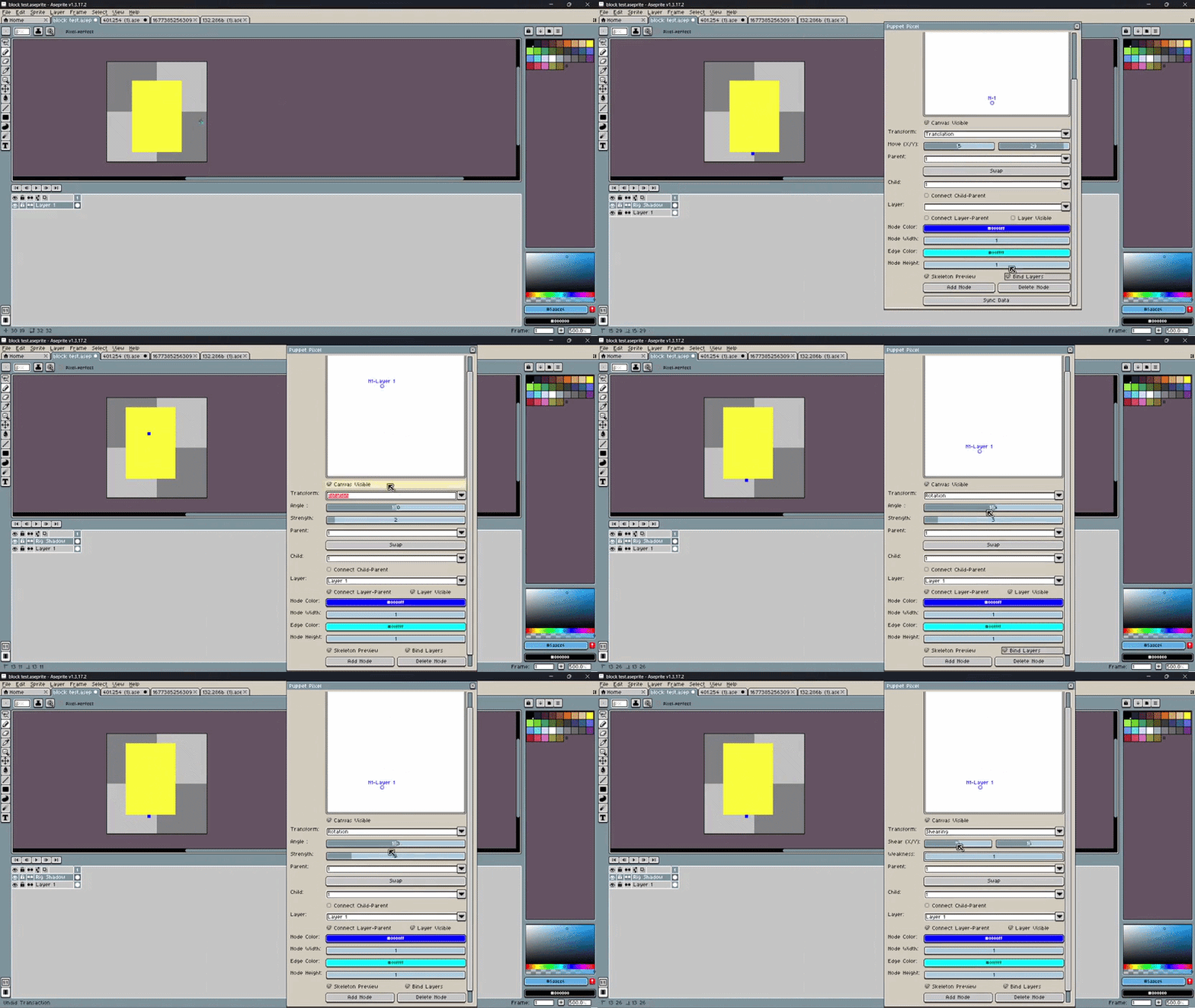
Version 2
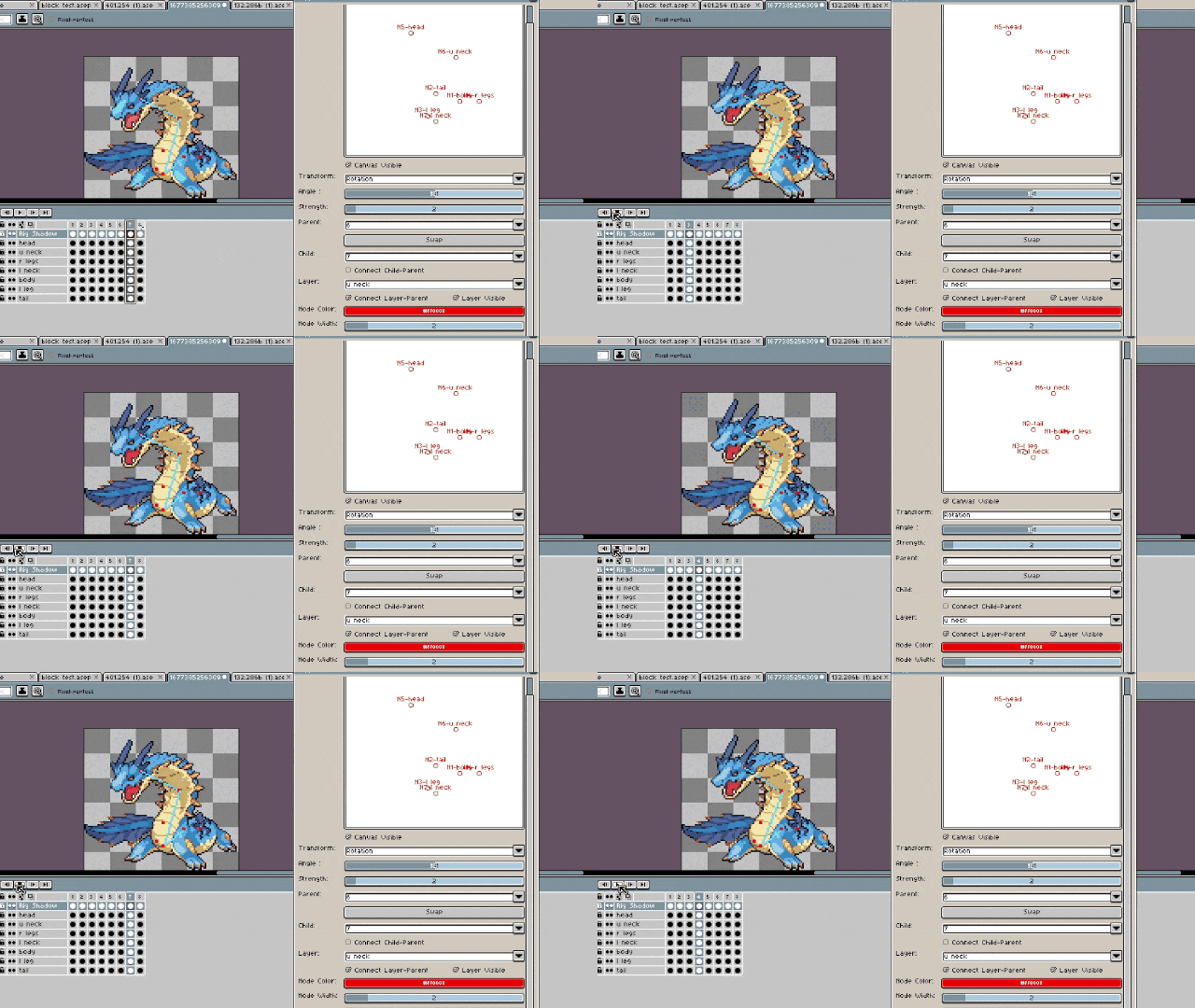
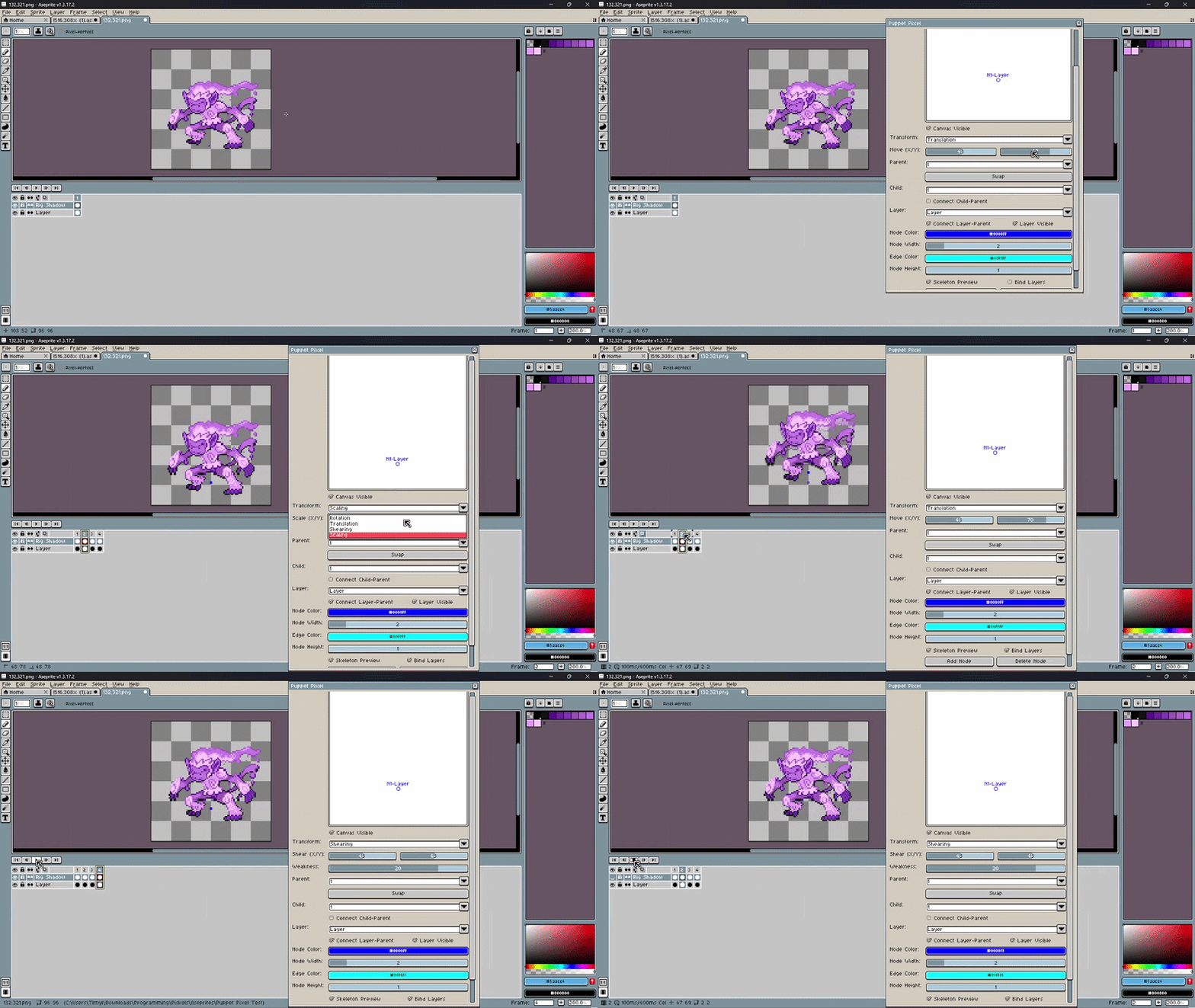
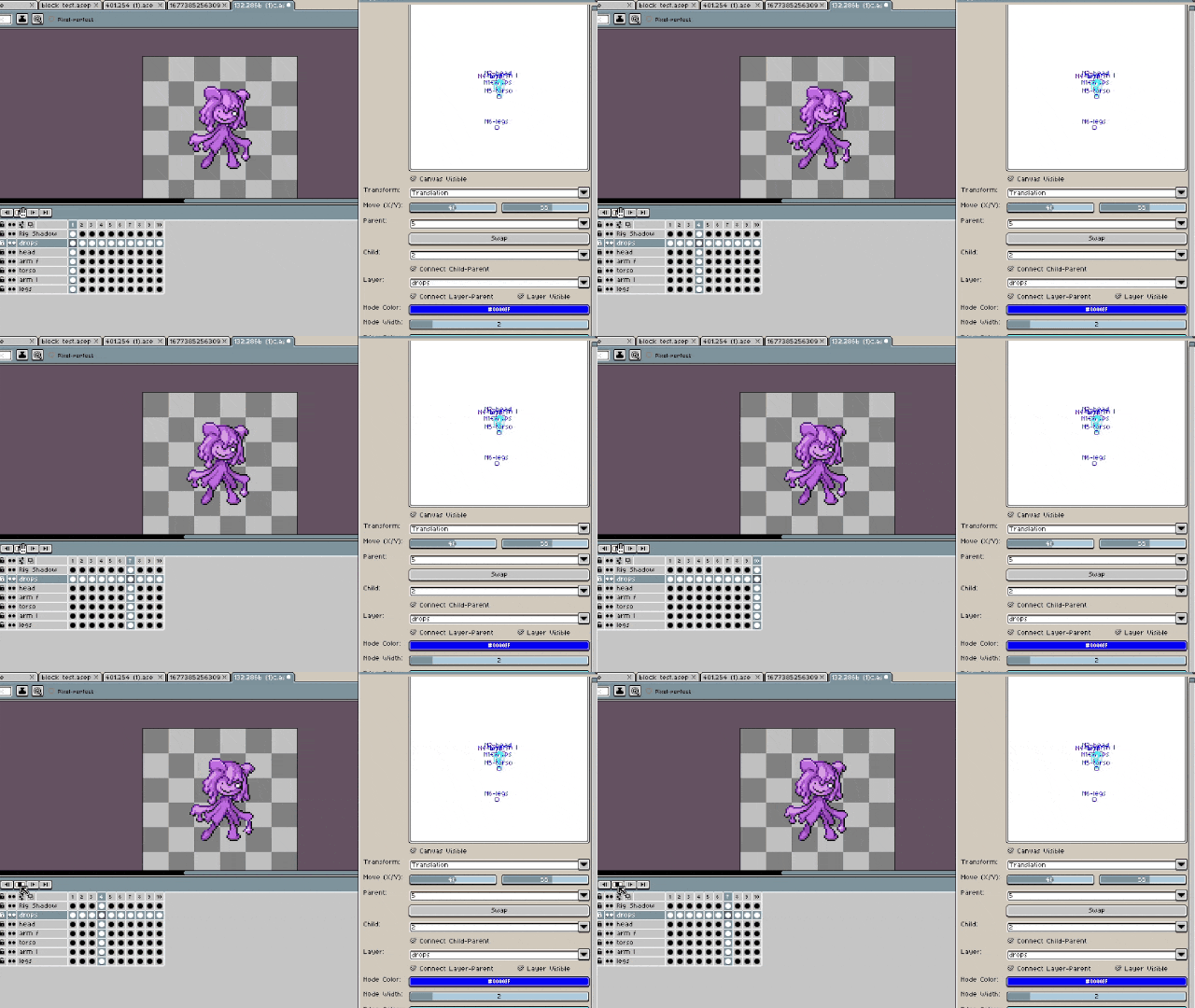
Full Demonstration
The example sprites are sourced from the Pokémon: Infinite Fusion Dex
Example sources
Known Bugs
- Update delay within the selected layer combobox, typically fixed by pressing swap.
- Node deletion can delete the entire node tree
- Sometimes the tree on the dialog's canvas can be displayed incorrectly, but is always correct on the sprite canvas
- Deleting the base nodes in a tree/skeleton can sometimes cause an error message
Installation
Extract from zip file, the Lua scripts should be there
For version 1
File->Scripts->Open Scripts Folder->Place "Puppet Pixel.lua" and "n_ary_tree.lua" inside ->rescan folder->run script
For version 2
File->Scripts->Open Scripts Folder->Place "Puppet Pixel_v3.lua", "n_ary_tree.lua" , "adjacency_matrix.lua", "collider.lua" and "transformer.lua" inside ->rescan folder->run script
Updated 09/19/26
Version 2 Differences
- The original editor has been chopped into pieces becoming several sections that can be expanded and contracted based on checkboxes. This sections are the following
- Layer Tools
- Allows the user to project the selected layer or all layers onto the dialog canvas, bind/parent layers to nodes, preview the skeleton, and decide a layer's visibility
- Transform Parent Tools
- Allows the user to apply transformations such as rotation, shearing, translation, and scaling to nodes, their children, and the layers they are connected to in the "bind layer" checkbutton is ticked
- Canvas Tools
- Instead of manually placing nodes using dialog buttons, direct interaction with the dialog canvas is now possible through double clicking the canvas' area.
- The options are placing, erasing, moving, selecting, connecting nodes, and breaking connections to other nodes
Dialog Tools
The original editor that allowed users to place nodes to be moved by the current transform parent tools, allows selection of the current nodes and connection of them through a check button
- Style Tools
- Allows to edit the color and size of nodes/pivot points and of edges, the lines connecting them in on the sprite's canvas
- Layer Tools
Download
Click download now to get access to the following files:
Comments
Log in with itch.io to leave a comment.
Hello,
Is this just for windows or?
I don't believe so, it's just a lua script extension for aseprite. It should work on Linux I think
Im new to all this. I had to look up what that was. Thanks very much!